Baselines
Last updated: January 29, 2026
The baselining functionality in Flow is a simple way to put a stake in the ground and freeze the state of your project at a specific point in time. To save a baseline click on Baselines in the left hand sidebar, click the plus button, give your baseline a name, then hit Enter.
If you select a baseline you will see it become active in the left hand sidebar and all data in Flow will represent the state it was in at the time the baseline was taken. You will notice that if you click into any data in Flow it will be marked as Read Only whilst the baseline is active.
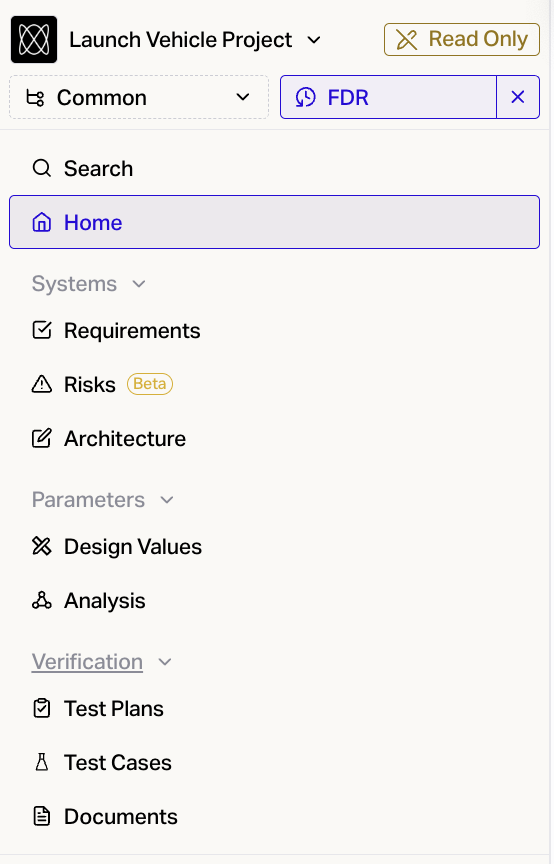
Your colleagues can of course keep on editing the Current Version of the project whilst a baseline is being viewed.
You can also export data from a baseline via settings.