Creating a New Project
Last updated: October 18, 2025
When you first sign up to Flow you will be given your own Default Project populated with a handful of example requirements and other pieces of data.
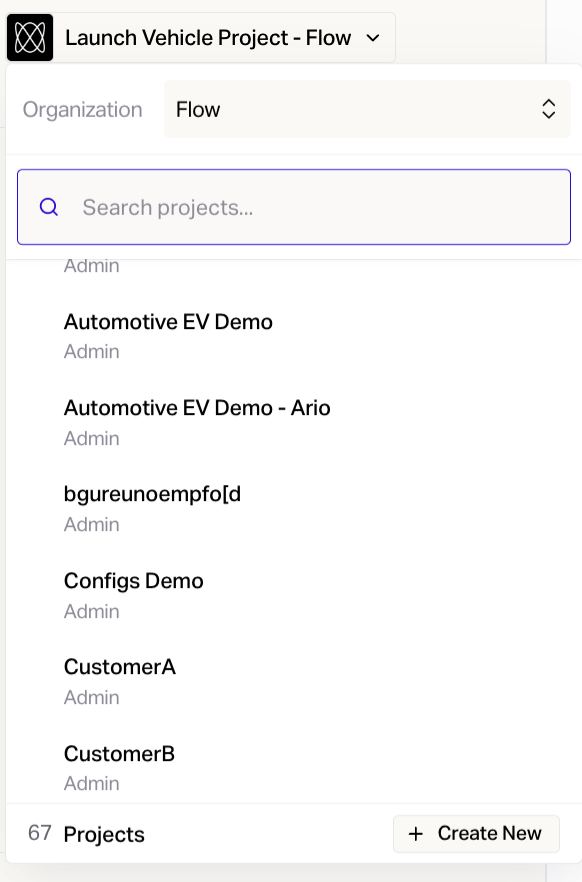
To create a fresh, blank project go to the menu displaying the project name at the top left of Flow and click the disclosure triangle. Click the New project button and type a name for your new project. Hit Enter.