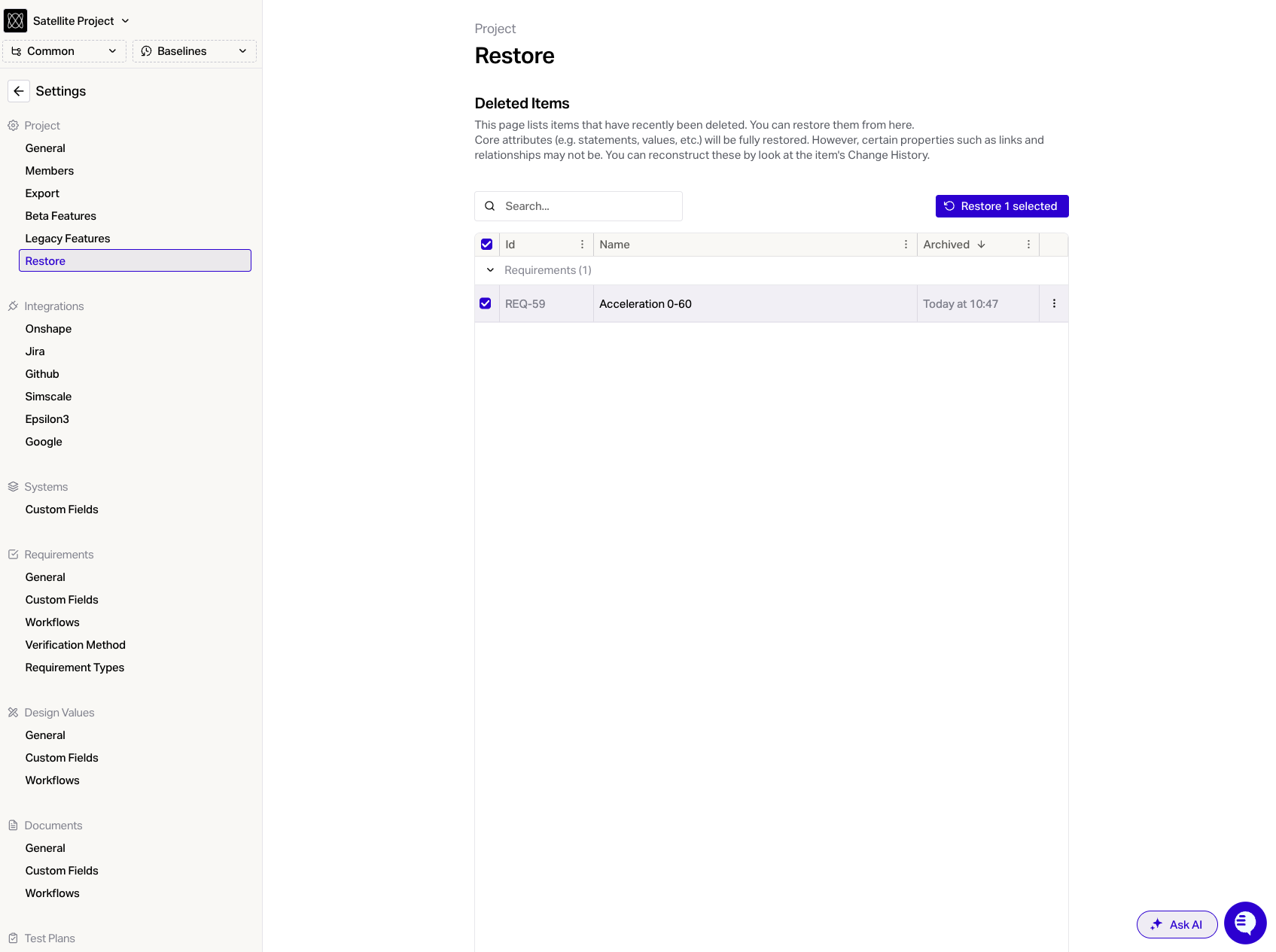
Restore
Last updated: December 22, 2025
The restore feature is a quick way to recover an item in Flow that was deleted in the last 2 weeks.
This feature will allow you to restore requirements, design values, test cases, test plans and documents that have been deleted.
If you want to restore an item that was deleted more than 2 weeks ago please contact the Flow team via the blue help button at the bottom right of your screen.
Note that Flow will try to maintain all the previous links but this will not work automatically if linked items have been moved, deleted or renamed. We therefore recommend checking items once they've been recovered and adding in the links that could not be recovered automatically.
Steps
Open settings
Navigate to Project > Restore
Select the items you want to restore
Click the blue 'Restore' button that appears